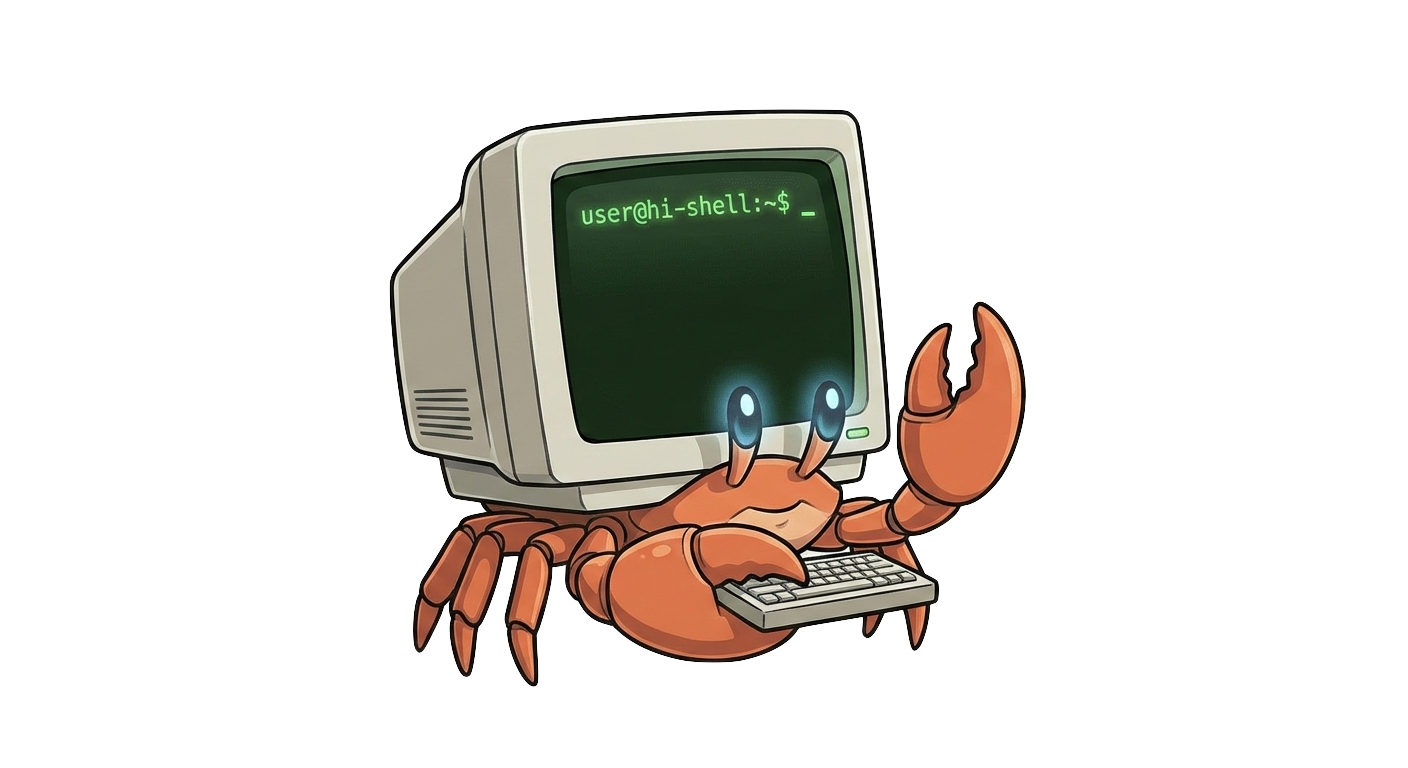
Say hi to your shell
Bridge the gap between "what I want to do" and "how do I write that command?" with an intelligent terminal assistant that translates natural language into executable bash commands.
Trusted by Developers
Join the growing community of developers who are saying hi to their shell.
Popular Models
| Provider | Model | Commands | Avg Response |
|---|---|---|---|
| Cloud | — | 38 | 4.5s |
| Cloud | GLM-4.5-air | 6 | 9.2s |
| Cloud | nemotron-3-nano-30b-a3b:free | 6 | 5.2s |
| Cloud | glm-5.2 | 4 | 8.2s |
| Cloud | GLM-4.7 | 1 | 23.2s |
Powerful Features
Whether you're a terminal veteran or a newcomer, hi-shell provides a fast, AI-powered way to generate and execute commands safely.
Embedded Models
Run models locally using candle with hardware acceleration (Metal/CUDA). Supports Llama, Phi-3, and Qwen2 architectures.
Local LLM Support
Connect to your own Ollama or LM Studio instance for complete privacy and control.
Cloud Integration
Seamless integration with OpenRouter, Gemini, and Anthropic for powerful cloud-based models.
Interactive REPL
A dedicated shell environment for continuous assistance and iterative command building.
Safety First
Dangerous commands are flagged, and confirmation is required before execution. Your system stays safe.
Lightning Fast
Optimized for speed with hardware acceleration support. Get your commands in milliseconds.
Installation
Choose your preferred installation method. We detect your operating system automatically.
curl -sSL https://raw.githubusercontent.com/tufantunc/hi-shell/main/install.sh | bashbrew tap tufantunc/tap && brew install hi-shellscoop bucket add hi-shell https://github.com/tufantunc/scoop-bucket && scoop install hi-shellcargo install hi-shellAfter Installation
Run the initialization command to set up your preferred LLM provider:
hi-shell --initUsage Examples
Just prefix your natural language request with hi-shell and let
the magic happen.
One-shot Mode
Get quick answers directly from your command line. Just describe what you want to do in natural language and get the exact command you need.
Interactive REPL Mode
Start a dedicated shell environment for continuous assistance. The context is preserved between commands, so you can refine your requests naturally like a conversation.
Safety First
Dangerous commands are automatically detected and flagged with a warning. Confirmation is always required before execution, keeping your system safe.
Built for Privacy & Openness
Your data and privacy are our top priority. Everything is open source, transparent, and fully under your control.
Open Source MIT License
All source code is fully available under MIT license. Inspect, modify, distribute, and improve it freely.
100% Local Operation
Connect to your own Ollama or LM Studio instance. Run completely offline without any internet connection.
Embedded Models
Run Llama, Phi-3, and Qwen2 models locally on your own hardware with Metal/CUDA acceleration.
No User Data Tracking
We never track your commands, prompts, or outputs. Only anonymous system information is collected (opt-in).
Optional Telemetry
Completely opt-in anonymous usage statistics. No personal data is ever collected. Disable anytime.
Transparent Codebase
Fully inspectable code. Every commit, change, and discussion is visible on GitHub.
Community Audited
Active community with issues and PRs ensures continuous oversight and improvement. Security vulnerabilities are quickly identified and fixed.
Safety Built-In
Dangerous commands are automatically detected and flagged. Confirmation is always required before execution. Your system stays protected by default.
Total Control in Your Hands
Inspect the code, run it locally, contribute improvements. Everything is under your control.
Ready to say hi?
Stop searching for commands. Start describing what you want to do.